Quantcha Launches Qwidgets for Prediction Markets: Free Cross-Platform Analytics for an Emerging Asset Class

Quantcha launches Qwidgets for Prediction Markets, a free platform bringing cross-exchange analytics, integrated Kalshi trading, and portfolio modeling to the prediction markets space.

Quantcha, the options trading analytics platform that has served thousands of investors since 2014, today announced the launch of Qwidgets for Prediction Markets—a free platform that brings the analytical depth of professional options tools to the rapidly expanding prediction markets space.

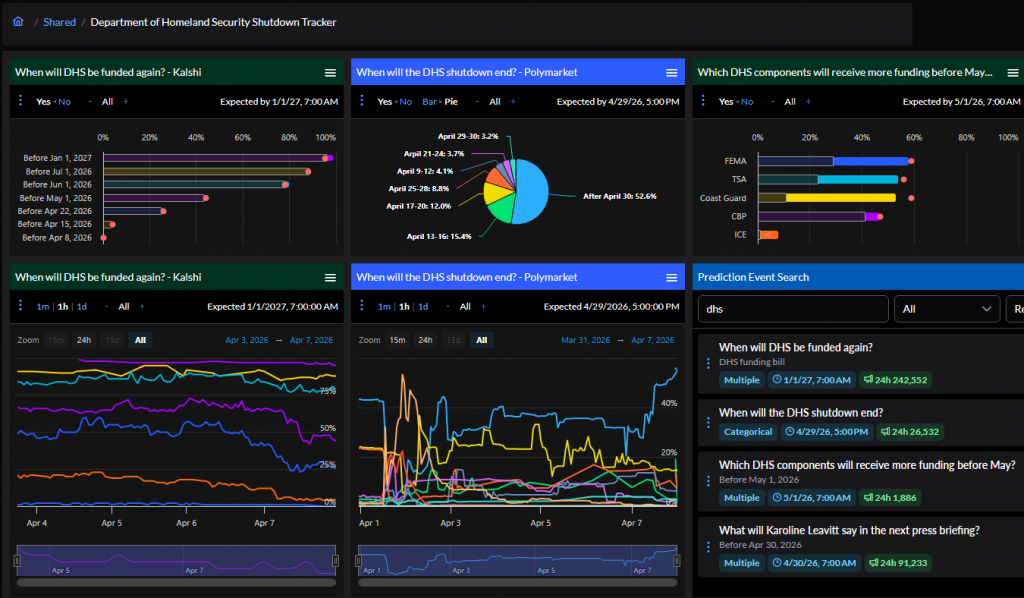
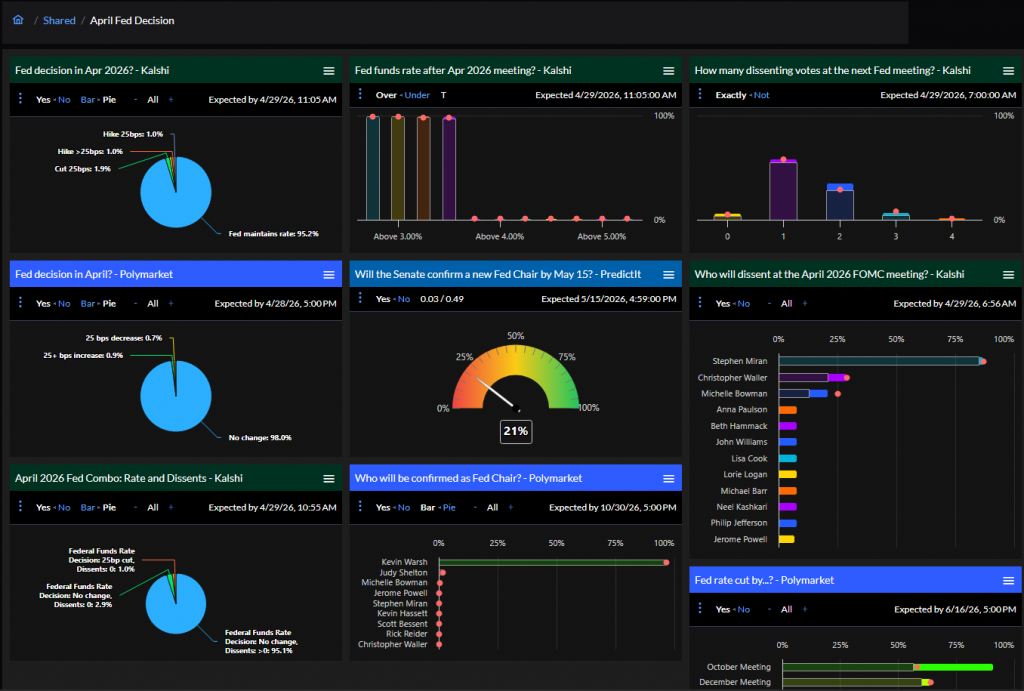
Available now at https://predictions.qwidgets.com, Qwidgets for Prediction Markets aggregates real-time data from Kalshi, Polymarket, and other exchanges into a unified view, enabling investors to analyze, compare, and trade prediction market contracts with the same rigor they apply to options strategies.

“Prediction markets are the most important new financial instrument in a generation, but the tools haven’t caught up to the opportunity,” said Ed Kaim, Founder of Quantcha. “We’ve spent more than a decade building analytics tools for options traders. When I started analyzing prediction markets, I realized the same probability-assessment discipline applies directly—but the source of your edge is different. In options, you’re estimating whether time value and implied volatility are priced correctly. In prediction markets, you’re estimating whether the probability itself is correct. The analytical rigor is the same. The tools just didn’t exist yet. That’s what Qwidgets is.”
A Market Ready for Better Tools

Prediction markets have exploded in both volume and mainstream visibility. Kalshi, the only CFTC-regulated prediction market exchange, recently raised $1 billion at a $22 billion valuation. Polymarket processes over $20 billion in monthly trading volume. CNBC and CNN have signed partnership deals to broadcast prediction market data alongside traditional market tickers. The regulatory environment has shifted meaningfully, with the CFTC moving away from its earlier adversarial posture and federal policy appearing broadly supportive of prediction market development.

Yet despite this growth, the tools available to prediction market participants remain basic. The major exchanges offer simple charting and order entry, with no cross-platform comparison, no portfolio-level analytics, and limited analytical depth.

“This is where options markets were 15 years ago,” Kaim said. “The instruments are sound, the regulatory framework is solidifying, and institutional capital is arriving. What’s missing is the analytical layer. That’s exactly the gap Quantcha was built to fill for options, and it’s the gap Qwidgets fills for prediction markets.”
Key Features

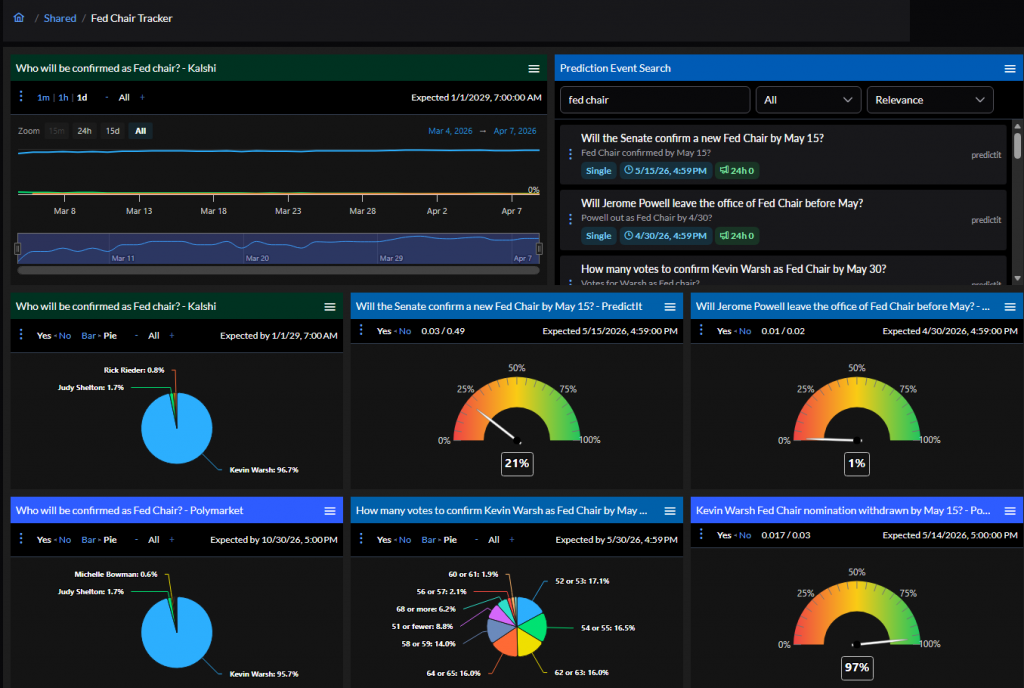
  • Cross-Platform Data Aggregation: View and compare prediction market contracts from Kalshi, Polymarket, and other exchanges in a single, unified interface. Identify pricing discrepancies across platforms that would otherwise require monitoring multiple sites.
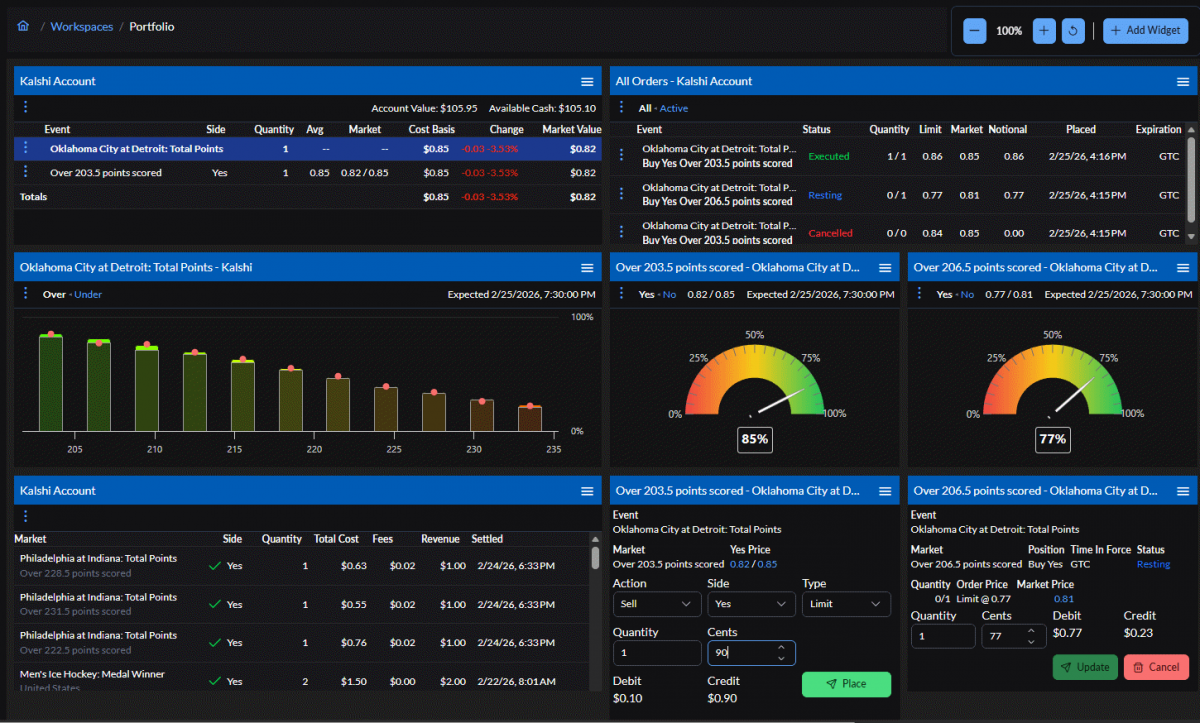
  • Integrated Kalshi Trading: Analyze and execute trades directly within Qwidgets. Research a contract, compare cross-platform pricing, and place an order without switching between applications.
  • Portfolio Modeling and Optimal Sizing: Express a model of relative likelihoods for outcomes within an event and generate optimized position sizing using frameworks like the Kelly criterion. Move beyond gut-feel sizing to mathematically disciplined allocation.
  • Shareable Workspaces: Create custom analysis workspaces and share them with anyone via a link. Recipients can view and modify the workspace locally without creating an account. Share a market analysis the same way you’d share a TradingView layout.
  • Free, No Restrictions: All features are available at no cost with no usage limits.

Built for Options Traders—and Everyone Else

Prediction markets price real-world events as probabilities, and the analytical skills options traders already have—probability assessment, sensitivity analysis, portfolio construction—transfer directly.

Qwidgets for Prediction Markets is designed to make those skills actionable. For options traders, it provides the familiar analytical depth in a new market. For prediction market participants coming from other backgrounds, it introduces the rigor and discipline of professional trading tools.
Accompanying Content Series

Alongside the platform launch, Quantcha is publishing an eight-part article series that explores the intersection of options trading and prediction markets:

The full series is available on Quantcha’s web site. Each article is designed for syndication across LinkedIn, Seeking Alpha, Substack, and financial media platforms.
Introducing Qwidgets: The free place to plan, track, and manage your investments

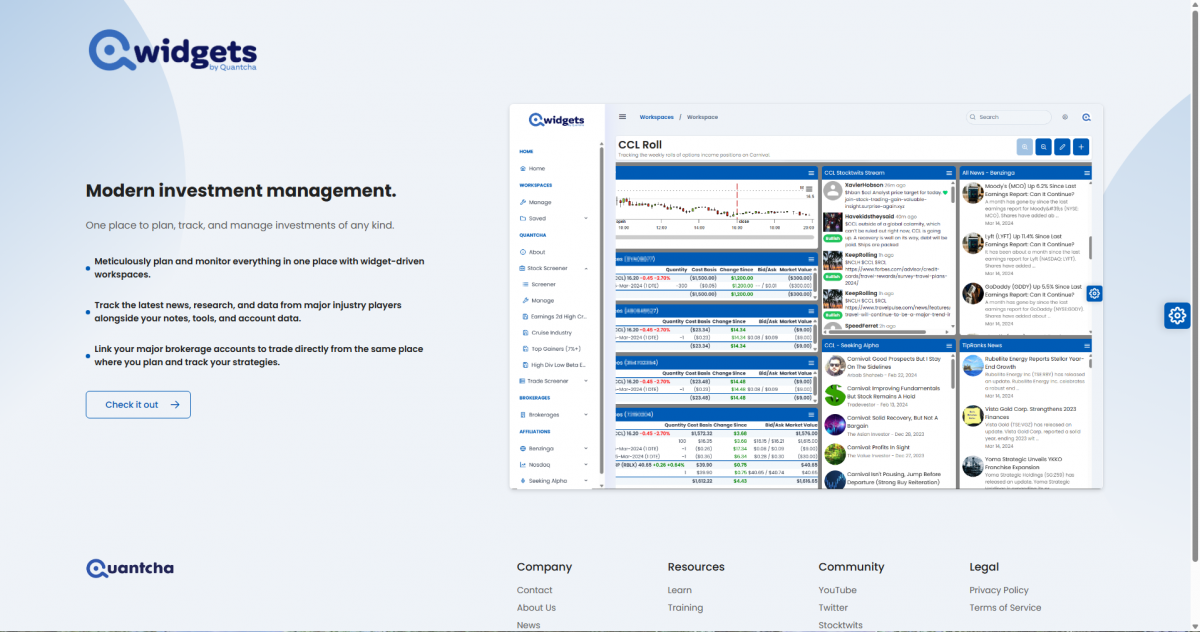
We’ve been proud to deliver top-quality tools and services to the option investment community for the past decade. However, in that time we’ve received tons of feedback that the entire industry wasn’t properly serving its membership with the tools it needs to effectively organize their various strategies.

A workspace to monitor Fed moves

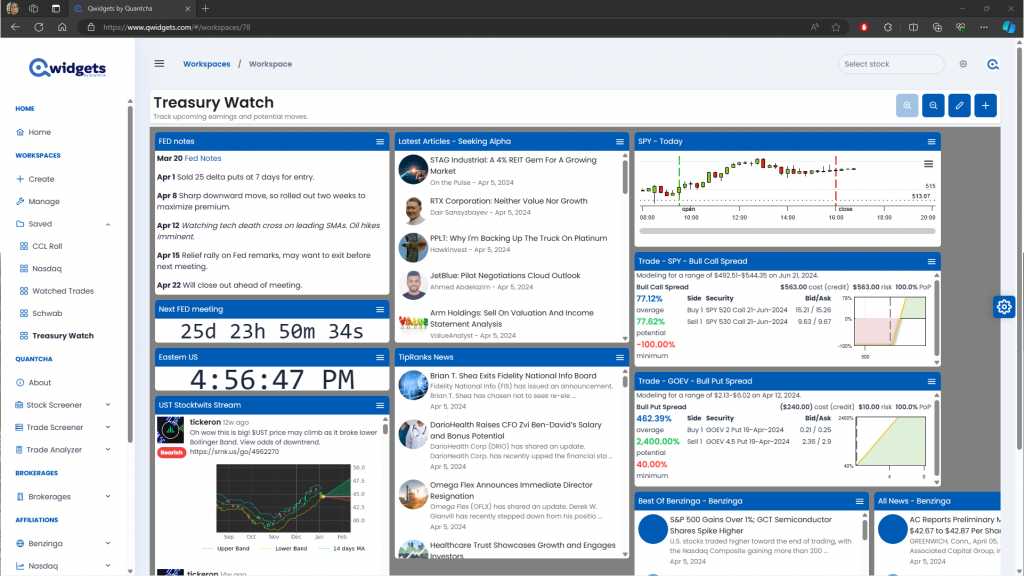
Around a year ago we set out on a journey to update Quantcha to provide tools to meet these needs. Our vision was to deliver a workspace-driven user experience where users would be able to precisely customize each workspace to fit their exact needs for the task at hand. This customization would come in the form of task-focused widgets designed to chart quotes, track trade ideas, manage orders, and so on. The scenarios were endless, so we knew it needed to be flexible.

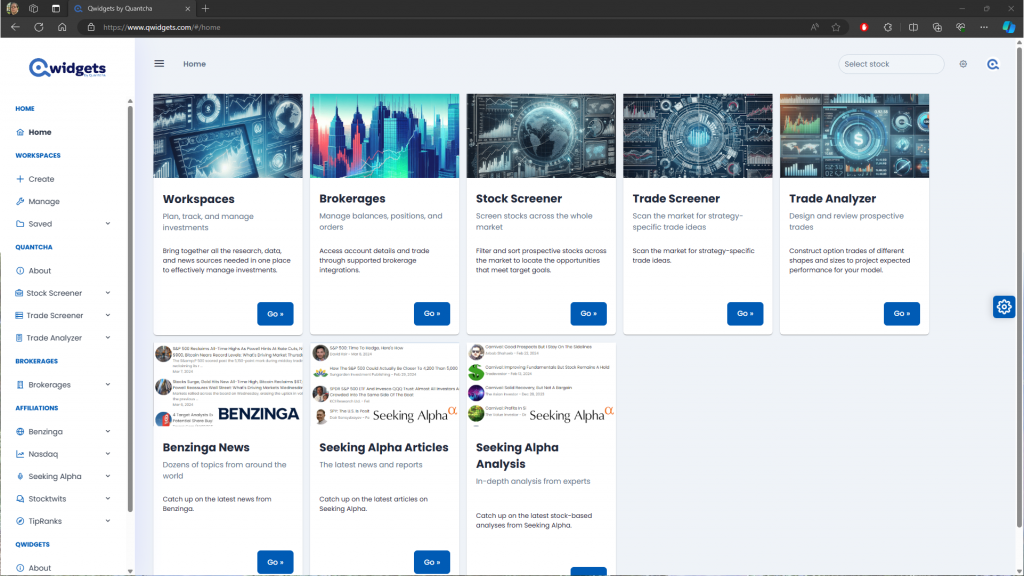
Qwidgets Home view

As we started showing our industry partners early demos of this new feature—which we were calling Quantcha Widgets—there was consistent feedback that it would be really helpful to a much broader audience than our traditional options investor customers. As a result, we made the decision to launch it as a separate service called Qwidgets and make it free for everyone.

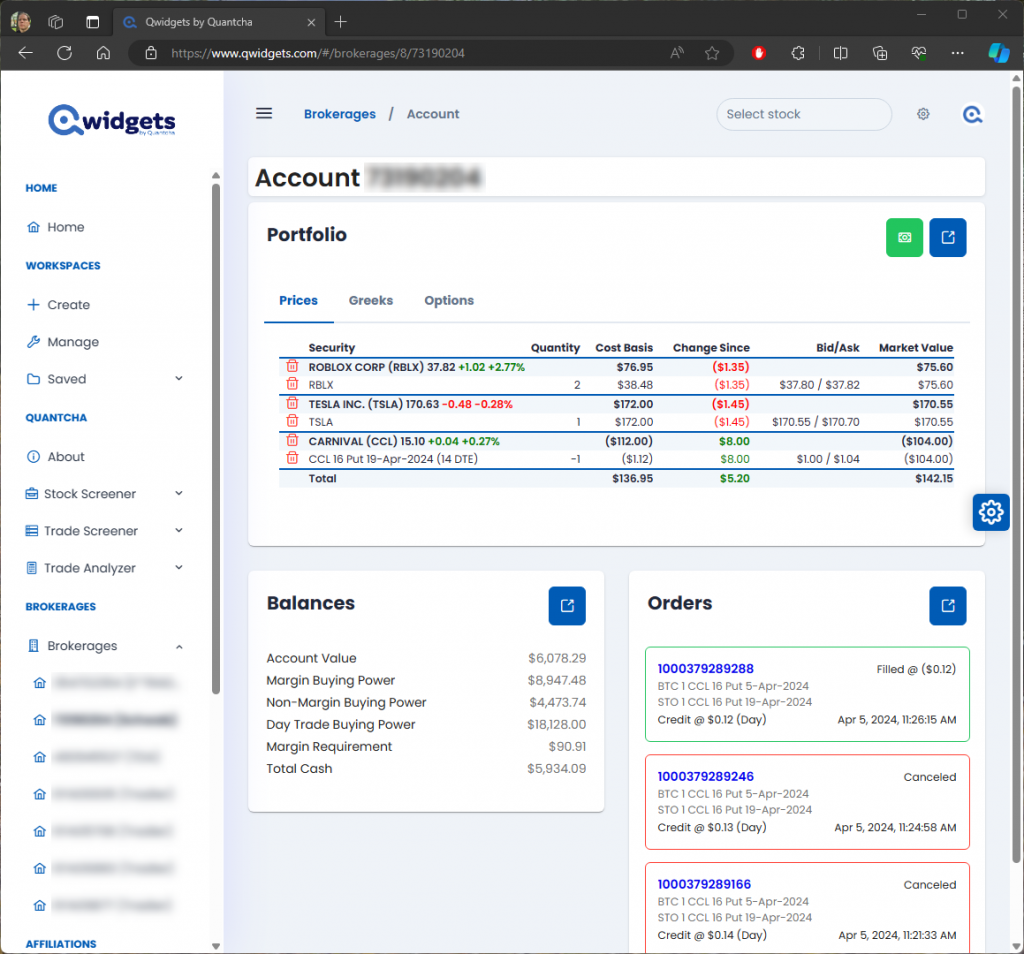
Integrated brokerage support

We also knew that users relied on a lot of data and functionality beyond what we delivered. To meet those needs, we partnered with some of the best names in finance to integrate brokerage, news, analysis, social media, and more. We envisioned a platform where anyone could place and manage orders alongside the latest research and breaking developments.

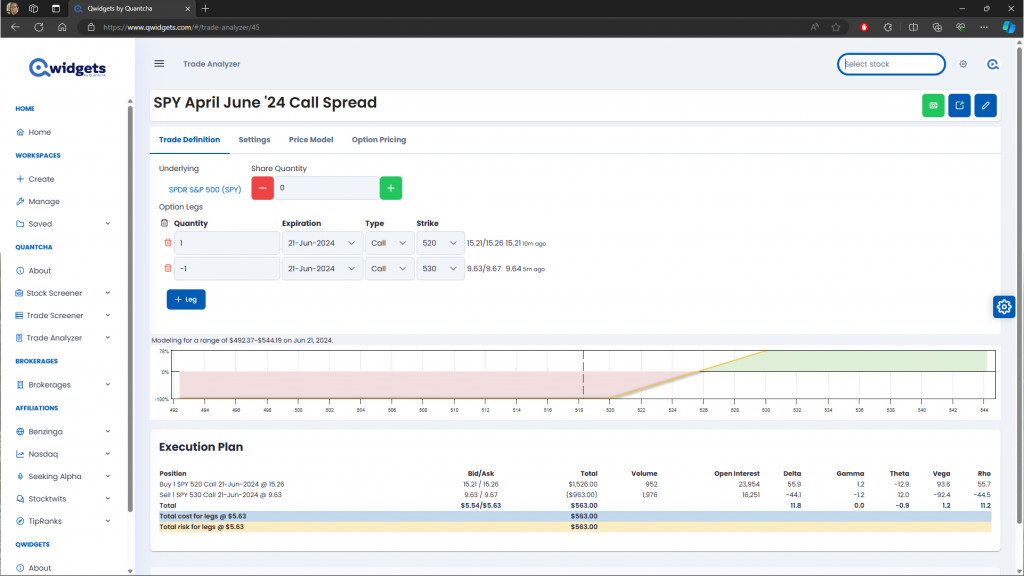
Integrated trade analyzer

To use Qwidgets you’ll need to create a new account that’s separate from your Quantcha account. However, you can then link your Quantcha account in order to enable some advanced options-focused features, such as pages and widgets for screeners and the trade analyzer. Over time we’ll be migrating all of our Quantcha functionality to Qwidgets so that subscribers can enjoy the full depth of our functionality on either platform.

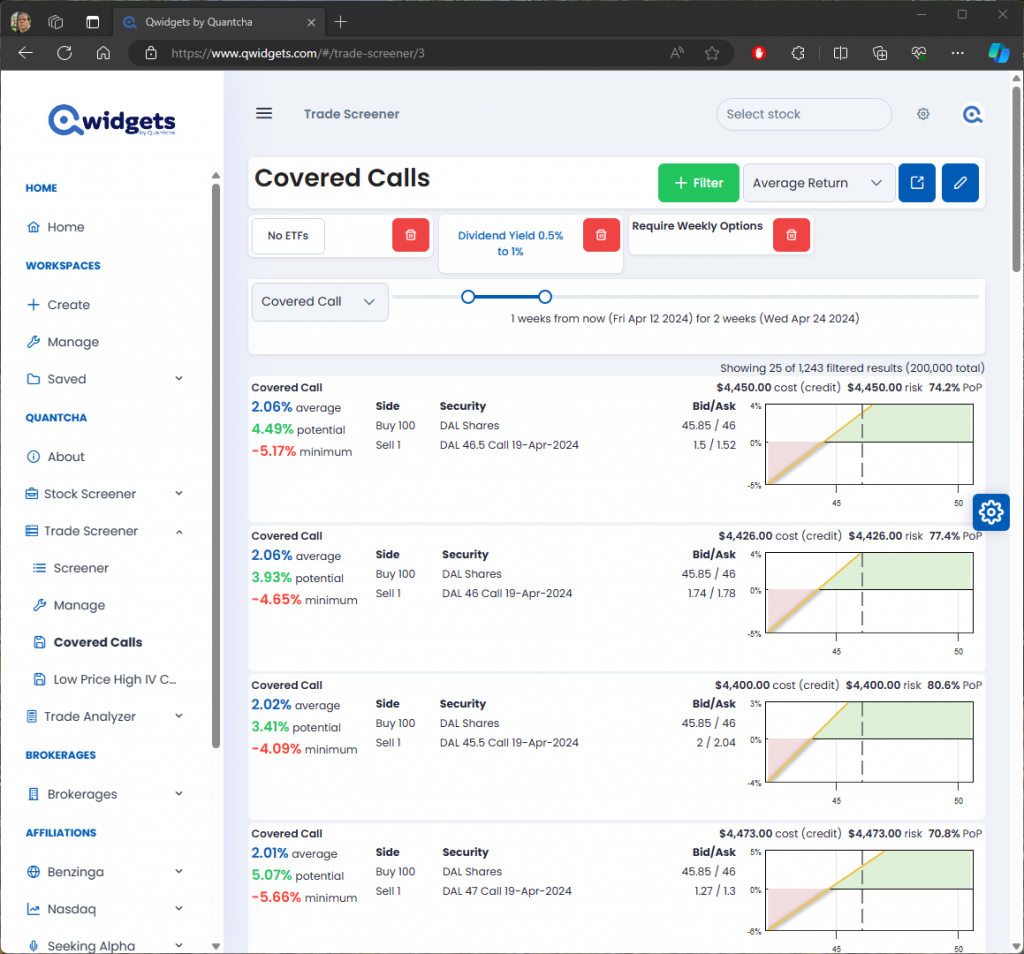
Trade screener powered by Quantcha

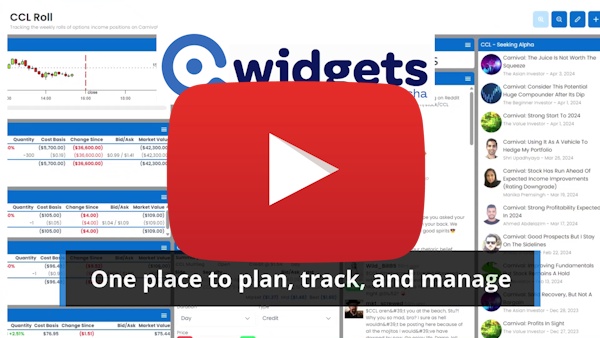
If you have feedback, please let us know at hello@quantcha.com. In the meantime, check out our launch video!

Qwidgets launch video

Announcing Quantcha’s Integration with Charles Schwab

We’re proud to announce that we have launched our integration with Charles Schwab. This enables Charles Schwab brokerage customers to manage their account positions and orders directly from Quantcha. Create and link your account today.

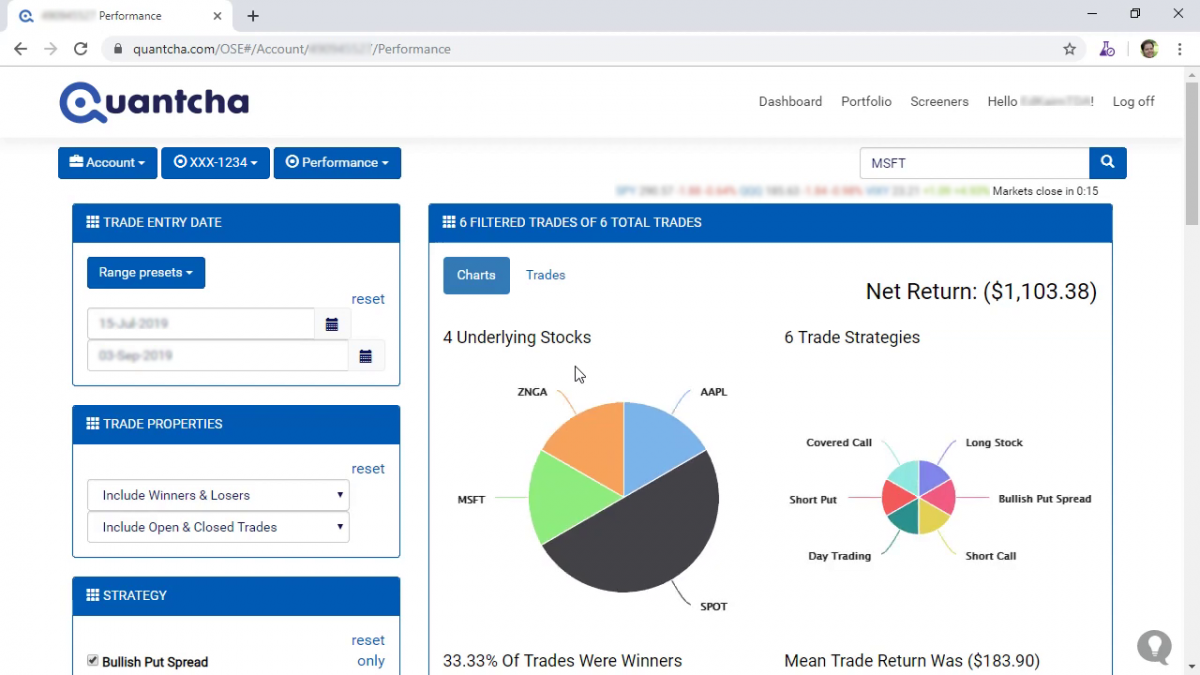
The Quantcha Options Suite complements Charles Schwab’s existing options platform with sophisticated options book management, detailed trade reporting, proactive alerts, and a wide variety of trade discovery and analysis tools.

At this time our Schwab integration relies on Quantcha’s 20m delayed data feed. When Schwab publishes their market data API we will update our integration implementation to use it.

Create and link your account today.

Announcing Quantcha’s New Free Trial Model

We’re excited to share a new way for investors to try out Quantcha Options Suite at no cost. Effective immediately, all users linked to a supported brokerage account will receive full subscription access for the first five days of each month (May 1-5, for example). This temporarily elevated access requires no additional steps beyond linking the brokerage account with their Quantcha account and includes the full functionality of a subscription.

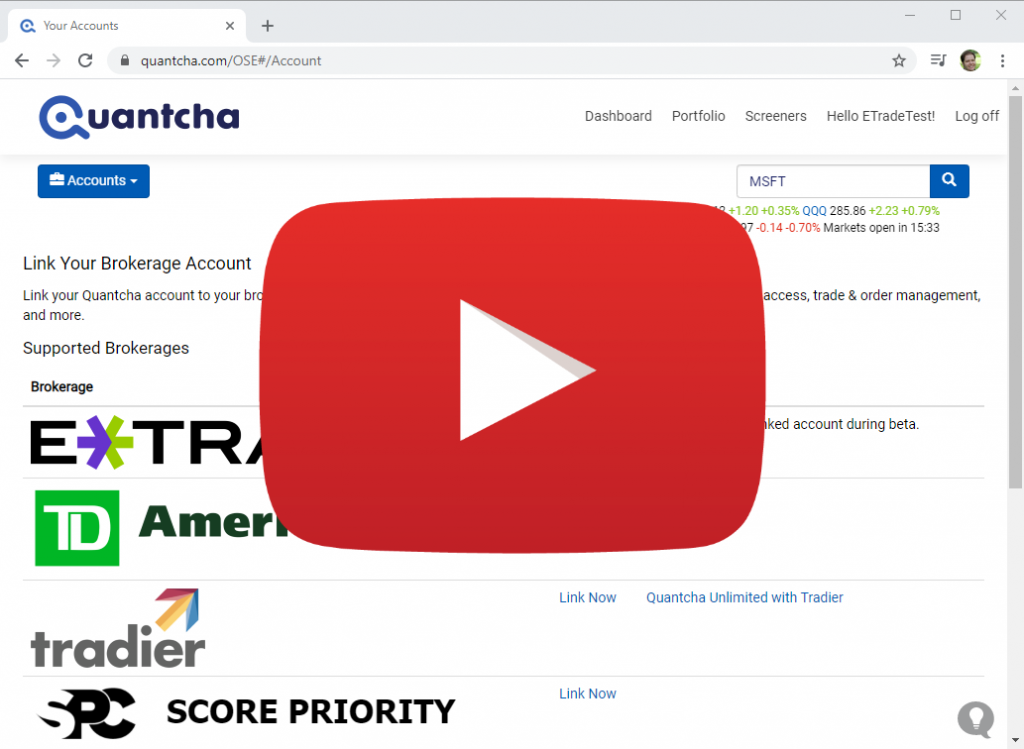
Quantcha currently provides integration with major brokerages, including Charles Schwab’s TD Ameritrade, Morgan Stanley’s E*TRADE, and Tradier. To learn more about our brokerage integration, please see the documentation.

Announcing Quantcha’s Stress Tester

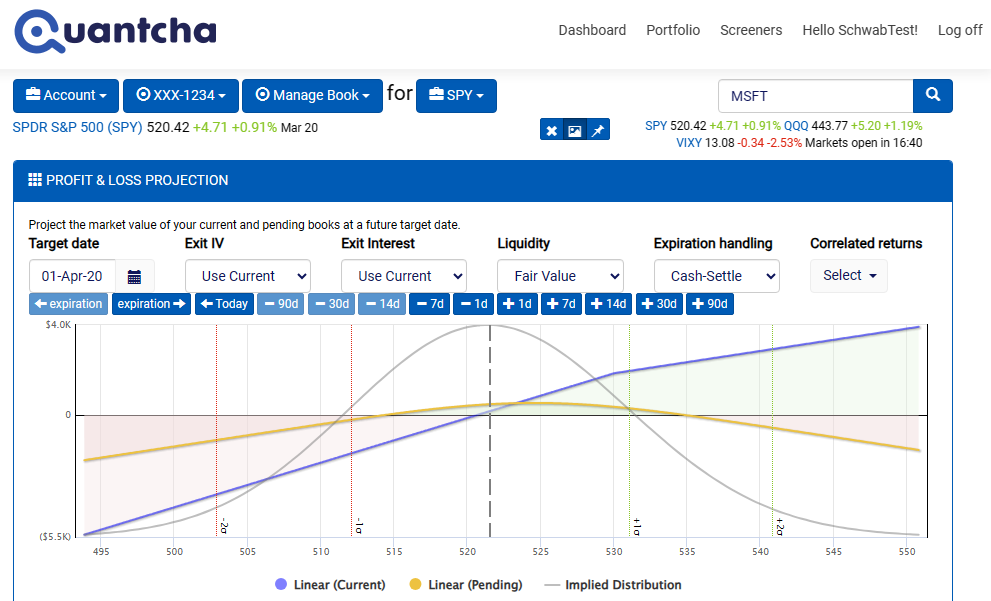
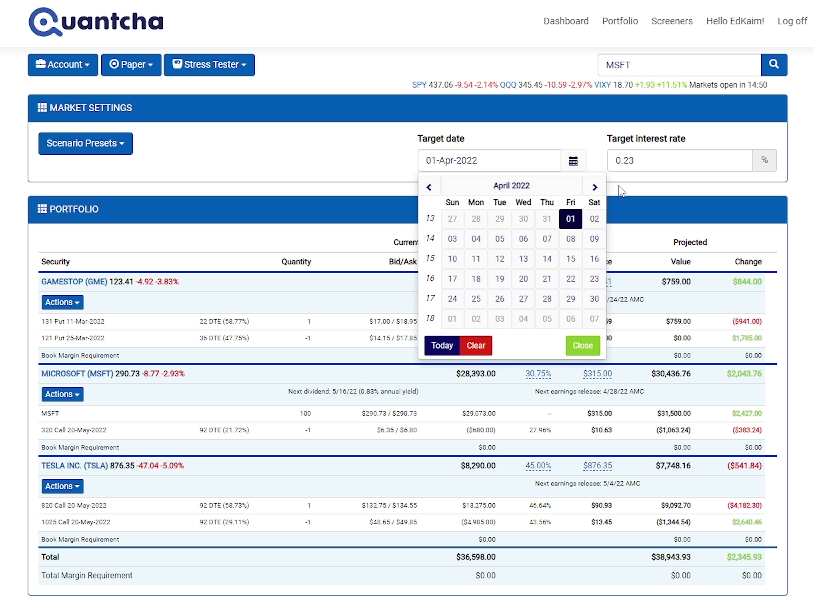
We’re proud to announce the launch of our new portfolio stress tester. It provides a straightforward experience for investors to project how their portfolios will handle arbitrary market conditions at a future date, including changes in interest rates, as well as underlying prices and volatilities.

The stress tester complements our powerful book manager to further equip investors with the tools they need to manage sophisticated option portfolios. Whereas the book manager provides superior in-depth analysis and experimentation with underlying-specific books, the stress tester offers breadth analysis for potential market scenarios.

Check out a video walkthrough of the stress tester on YouTube.

Learn more about stress testing option portfolios with Quantcha.

Announcing Quantcha’s Calendar Search

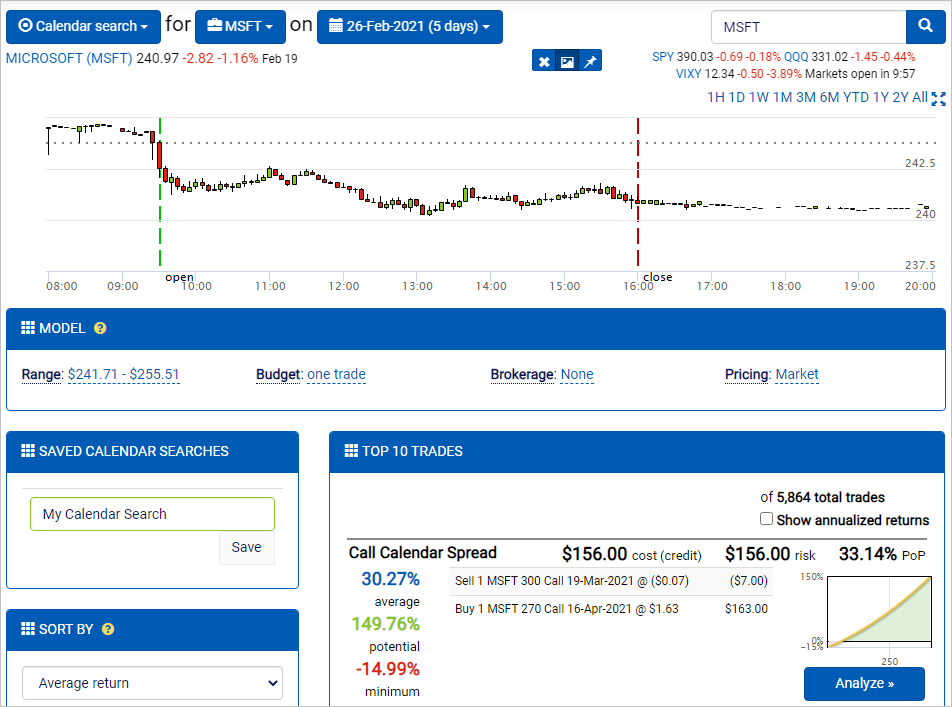
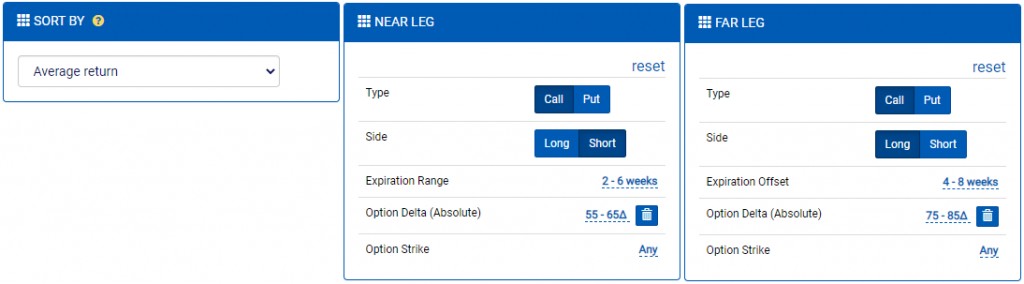
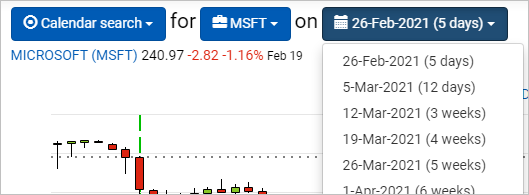
We’re proud to announce the launch of our new calendar search functionality. Modeled after the options search engine, the calendar search makes it easy for investors to identify optimal calendar spread opportunities based on an underlying, a timeframe, and a price target range.

In addition, you can also use a variety of filters to zero in on the near and far legs based on expiration ranges, delta requirements, and strikes. There are also net Greek filters so that you can zero in on trades that meet specific criteria.

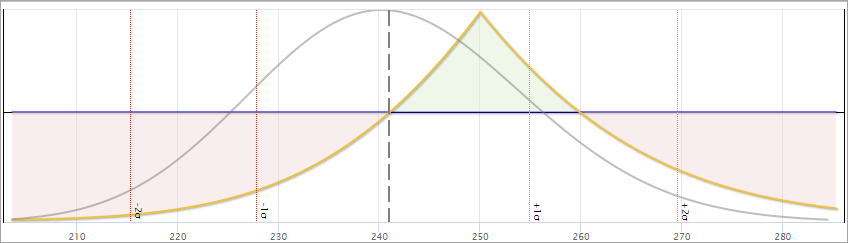
This launch also includes several key updates to the trade analyzer, including support for analyzing any trade on an expiration at or before the earliest-dated option leg. While the book manager provides the ultimate flexibility for modeling trades and complex strategies, this addition to the trade analyzer makes it easier to evaluate prospective trades before merging them into existing books.

Check out a video walkthrough of the calendar search on YouTube.

Learn more about trading calendar option strategies with Quantcha.

Announcing Quantcha’s Integration with E*TRADE

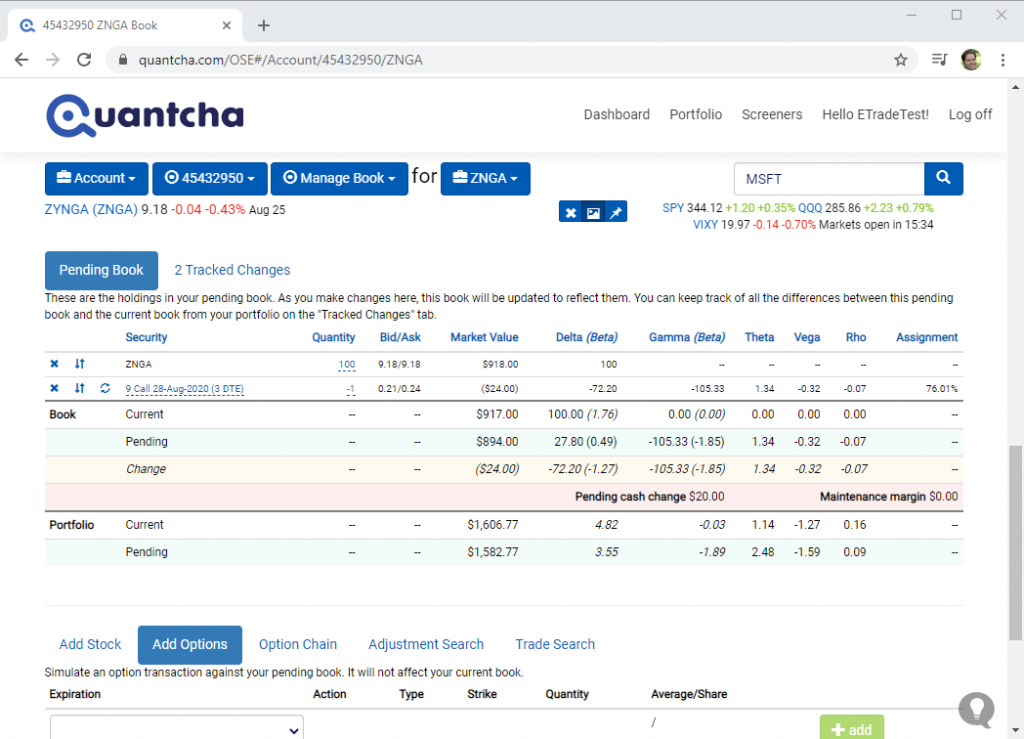
We’re proud to announce that we have launched our integration with E*TRADE. This enables E*TRADE brokerage customers to manage their account positions and orders directly from Quantcha. In addition, linked brokerage customers enjoy real-time quotes throughout the platform. Create and link your account today.

Managing an E*TRADE Options Book

The Quantcha Options Suite complements E*TRADE’s existing options platform with sophisticated options book management, detailed trade reporting, proactive alerts, and a wide variety of trade discovery and analysis tools. To learn more about how Quantcha can complement E*TRADE’s existing option trading experience, check out our integration launch video on YouTube.

E*TRADE integration launch video

Create and link your account today.

Announcing Quantcha Learn & InvestOps

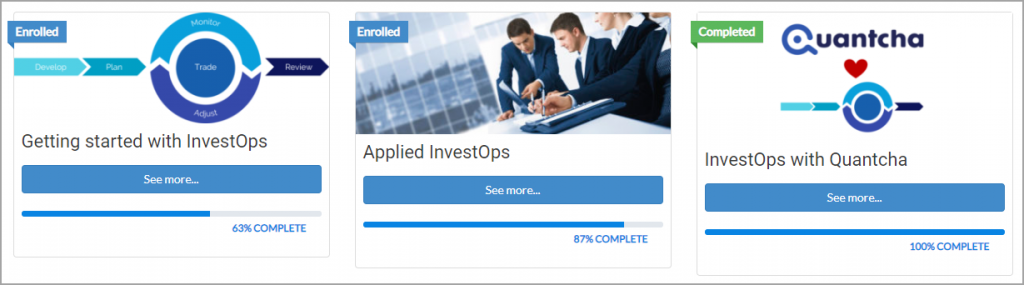
We’re proud to announce the launch of two major initiatives designed to help investors be more successful: Quantcha Learn and InvestOps.

Quantcha Learn

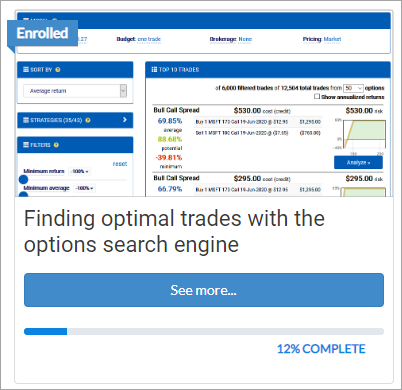
Quantcha Learn, available at https://docs.quantcha.com/learn, is our new online course library. Anyone can follow the lesson-based curriculum to learn about investing, financial engineering, and Quantcha through carefully structured courses. These courses include instructional content, hands-on exercises, and quizzes to help check your knowledge.

Everything in Quantcha Learn is freely available to anyone. You don’t need to register to access the content, although registering with Quantcha Learn makes it easier for you to track your progress through courses over time.

We plan to regularly release new courses covering a wide range of topics related to options and Quantcha.

InvestOps

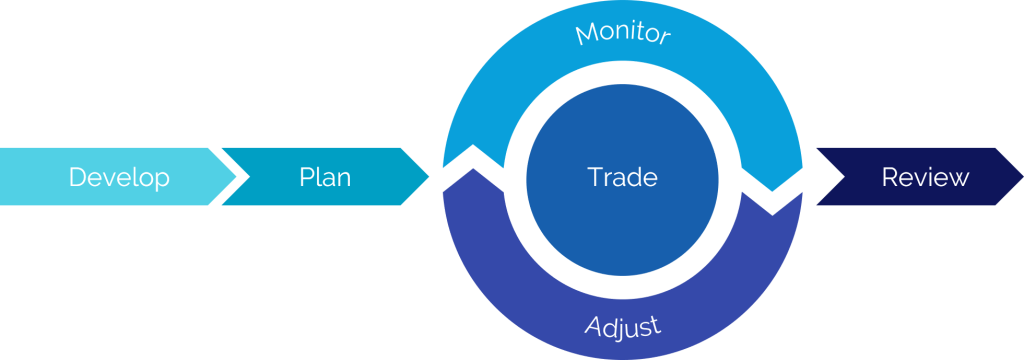
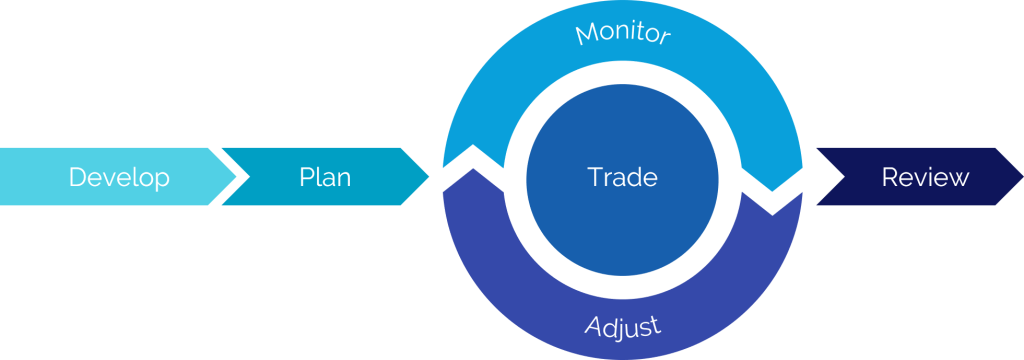
Part of our culture at Quantcha is to proactively seek feedback from investors so that we can consistently improve our platform. Besides feature ideas, one thing people at every level of experience tell us is that they’re looking for ways to evolve their investment process with more structure.

To help with that, we are publishing the investment process patterns we reference internally when building Quantcha. We call this process InvestOps, which is shorthand for investment operations. It’s not guidance on the kinds of investments you should make, but rather a structured approach in how to build and manage an investment plan. While it’s not specific to options investing, it was developed from years of experience building tools for options investors.

InvestOps courses

We’ve published a series of three Quantcha Learn courses to help you get started:

InvestOps templates

The Getting started with InvestOps course includes some useful templates for managing your process, including:

  • view development worksheet for organizing the research that goes into developing an investment view.
  • A trade plan for outlining trade positions, entry prices, exit conditions, adjustment strategies, and more.
  • A postmortem review for analyzing the results of the investment and process.

These templates are provided as starting points and may be modified and redistributed however you like.

If you have any questions or feedback, please let us know at hello@quantcha.com.

Announcing Quantcha Alerts

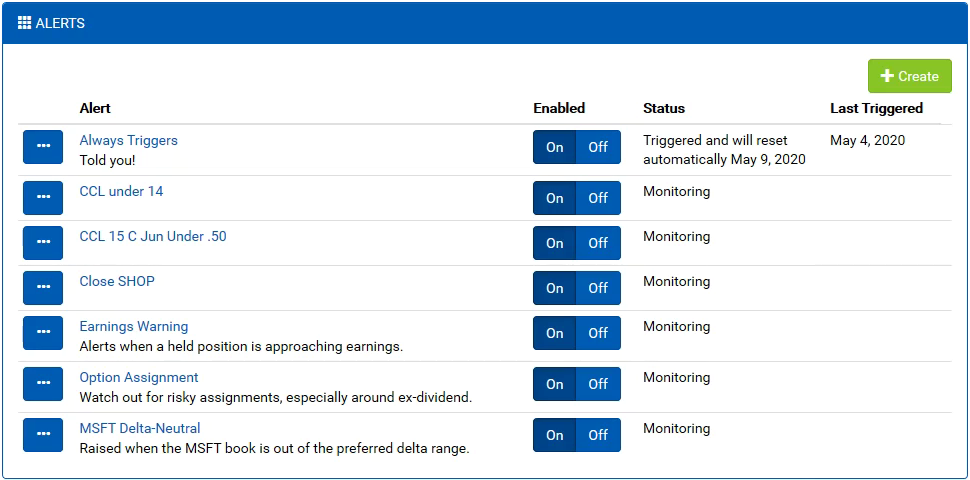
We’re proud to announce the launch of Quantcha Alerts, a new feature designed to deliver proactive notifications to support your options investing. Want to receive an email when a stock crosses a price threshold, a trade reaches a target profit, or a book exceeds a delta range? Quantcha Alerts is for you.

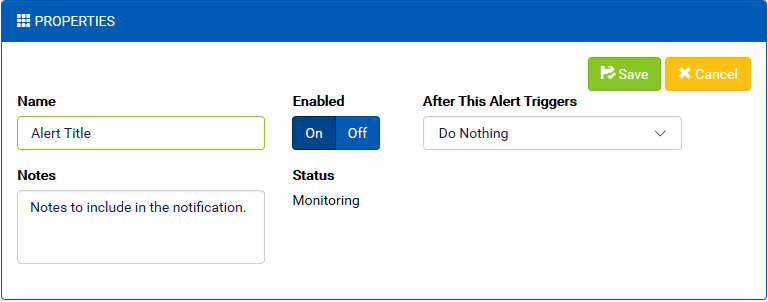
Configuring alert properties

Alerts are configurable. You can combine a variety of alert conditions, which include timeframes, stock and option properties, and portfolio scenarios, such as likely option assignment, to receive alerts when key opportunities and risks arise.

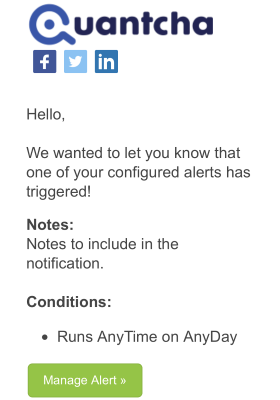
A sample alert notification

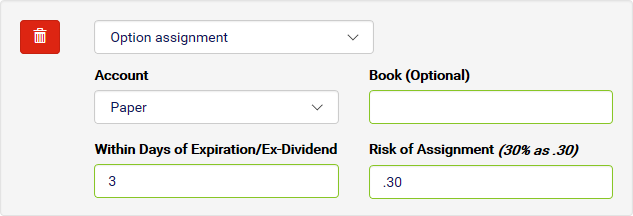
Alerts are customizable. Every condition allows you to specify parameters that fine-tune the type of notifications you receive and when. You can decide how far out to keep an eye on ex-dividend dates, and at what assignment risk you’d like to be alerted for your short calls.

Configuring an Option Assignment condition

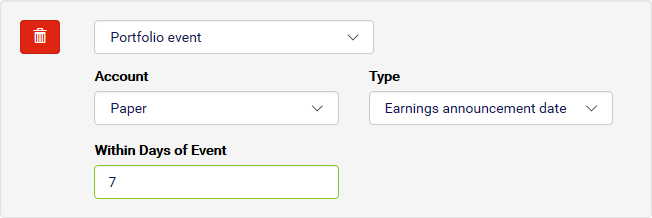
Alerts are integrated. If you link a brokerage account with Quantcha, you can configure alerts that watch your portfolio for important conditions, such as approaching earnings dates or opportunities to close positions at a desired price.

Configuring a Portfolio Event condition

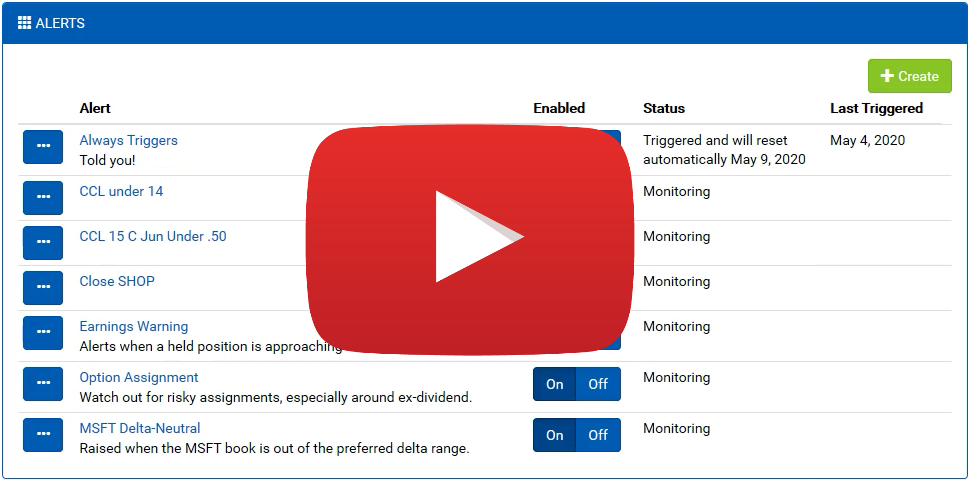
To learn more about the details of using Alerts, check out this article and this video on YouTube.

Quantcha Alerts Introduction on YouTube

We’re planning to keep adding new conditions to the Alerts toolbox. If you have any requests, please reach out at hello@quantcha.com.

Announcing Quantcha’s Integration with TD Ameritrade

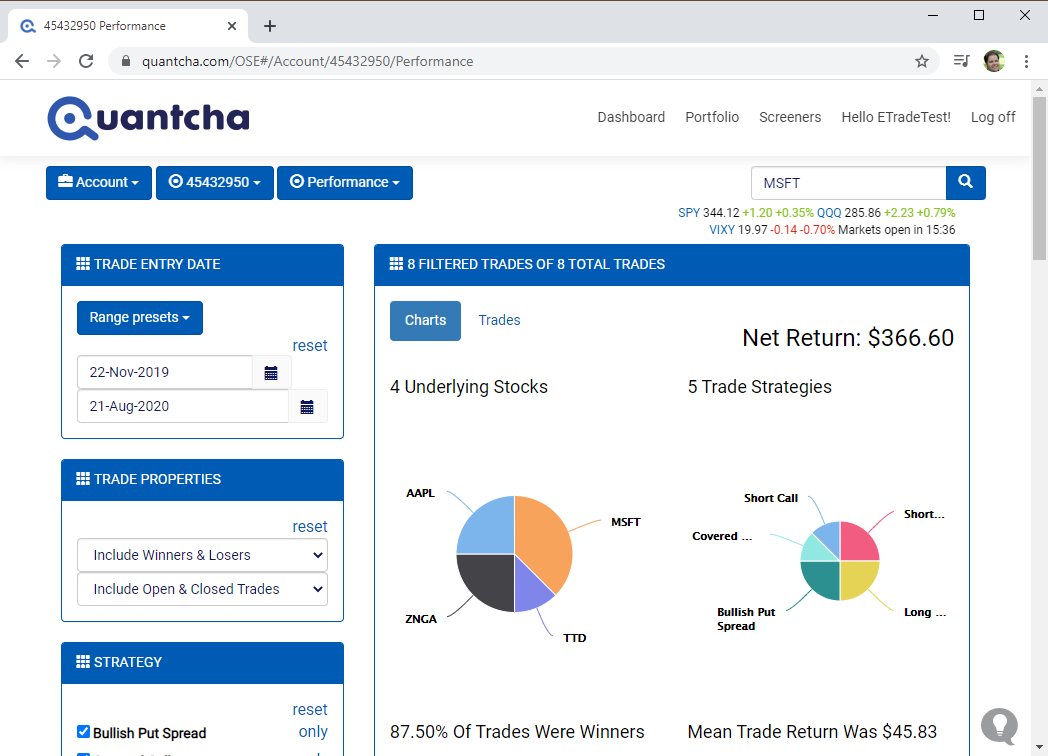
We’re proud to announce that we have launched our integration with TD Ameritrade. This enables TD Ameritrade brokerage customers to manage their account positions and orders directly from Quantcha. In addition, linked brokerage customers enjoy real-time quotes throughout the platform. Create and link your account today.

Managing a TD Ameritrade Options Book
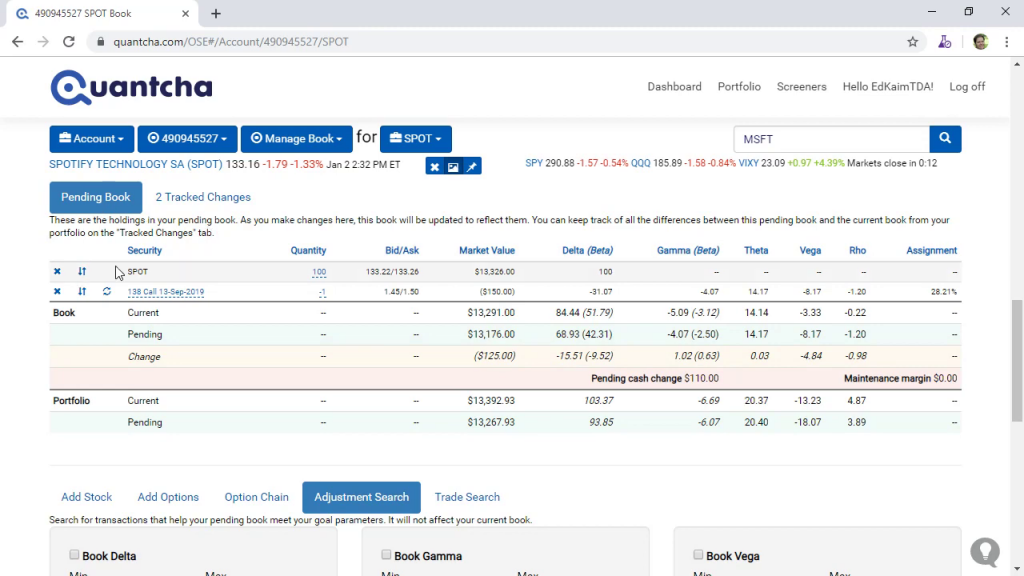
Managing a TD Ameritrade Options Book in Quantcha

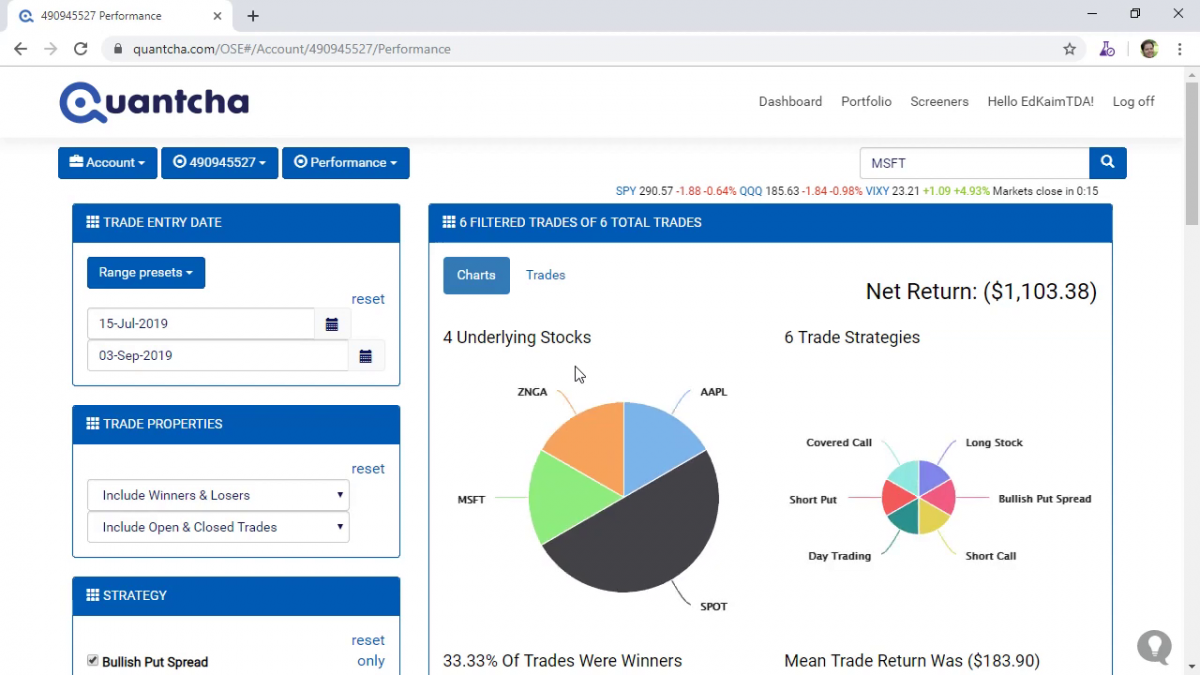
The Quantcha Options Suite complements TD Ameritrade’s existing options platform with sophisticated options book management, detailed trade reporting, and a wide variety of trade discovery and analysis tools. To learn more about how Quantcha can complement TD Ameritrade’s existing option trading experience, check out our overview video on YouTube.

Linking a TD Ameritrade Brokerage Account in Quantcha

Create and link your account today.