Limited Offer: First Month Free with a Linked E*TRADE Account

Are you an E*TRADE customer who wants to see how Quantcha can help take your options investing to the next level? For a limited time, you can test drive the platform absolutely free for your first month.

  1. Subscribe to Quantcha Personal. This process requires a PayPal account, which you can create for free as part of the process (we explain why here if you’re interested).
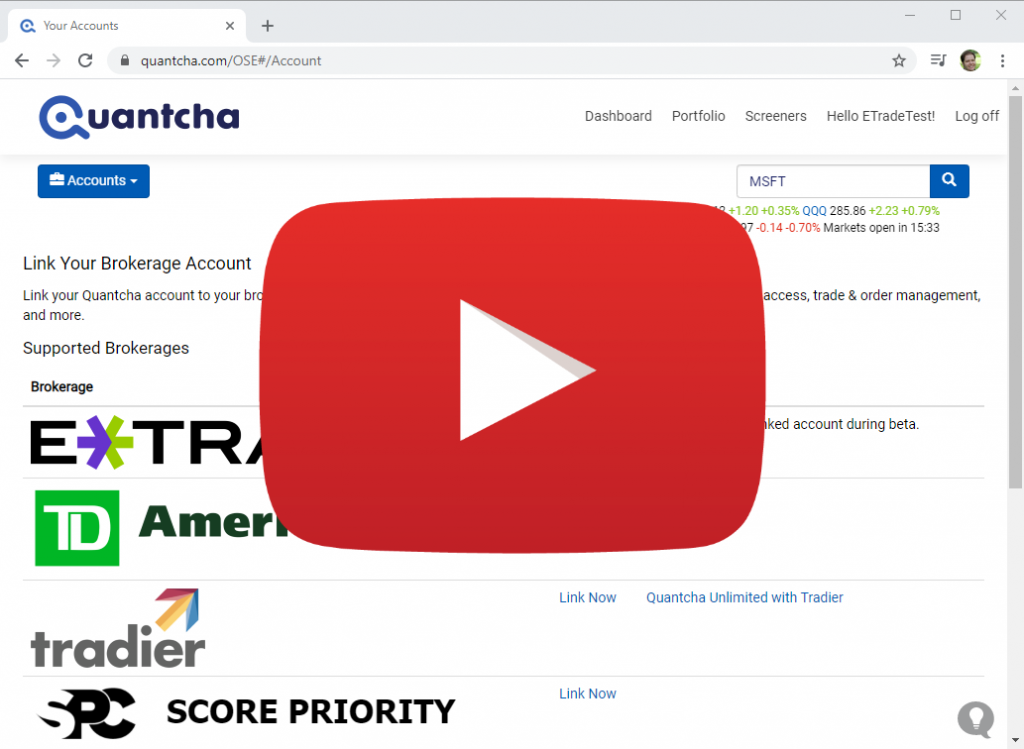
  2. Link your E*TRADE account here. This will involve you logging in to your brokerage account on their site and authorizing them to issue a token we can use to request data for use in Quantcha. You can easily remove this link at any time here. A demo of both linking and unlinking is available here.
  3. Email us here and include the email address of your PayPal account. We will verify the TDA link and refund your initial payment. However, it’s important to note that you will be billed for future months for as long as you remain subscribed. You can cancel your subscription at any time.

This whole process should only take a few minutes, but if you have any questions about any of it, please let us know at hello@quantcha.com.

This offer is only valid in November 2020, so don’t wait.
Announcing Quantcha’s Integration with E*TRADE

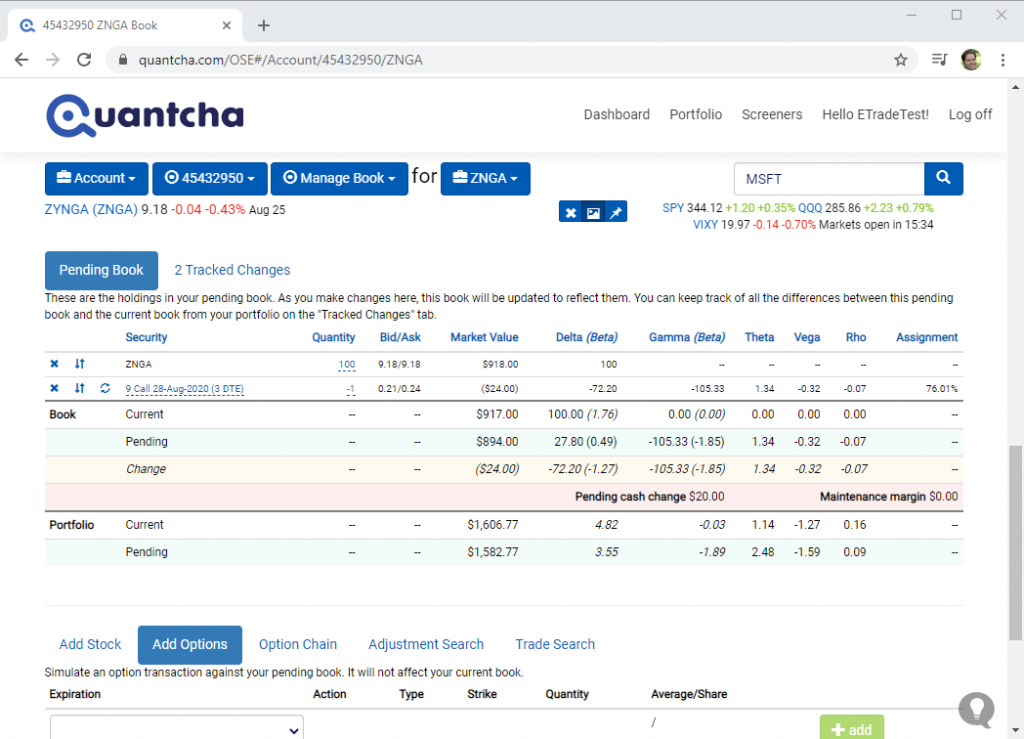
We’re proud to announce that we have launched our integration with E*TRADE. This enables E*TRADE brokerage customers to manage their account positions and orders directly from Quantcha. In addition, linked brokerage customers enjoy real-time quotes throughout the platform. Create and link your account today.

Managing an E*TRADE Options Book

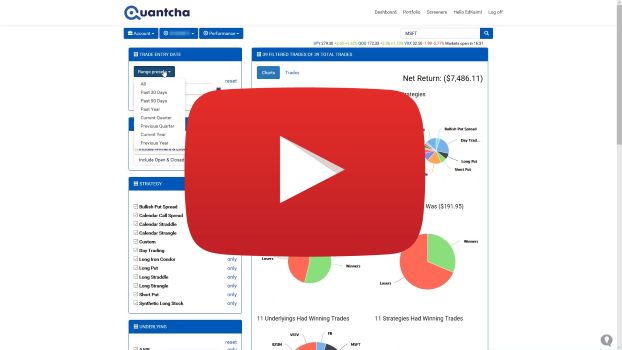
The Quantcha Options Suite complements E*TRADE’s existing options platform with sophisticated options book management, detailed trade reporting, proactive alerts, and a wide variety of trade discovery and analysis tools. To learn more about how Quantcha can complement E*TRADE’s existing option trading experience, check out our integration launch video on YouTube.

E*TRADE integration launch video

Create and link your account today.

Announcing Quantcha Learn & InvestOps

We’re proud to announce the launch of two major initiatives designed to help investors be more successful: Quantcha Learn and InvestOps.

Quantcha Learn

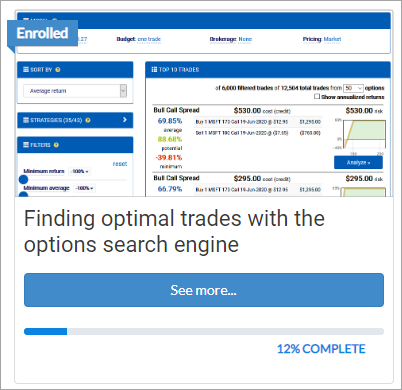
Quantcha Learn, available at https://docs.quantcha.com/learn, is our new online course library. Anyone can follow the lesson-based curriculum to learn about investing, financial engineering, and Quantcha through carefully structured courses. These courses include instructional content, hands-on exercises, and quizzes to help check your knowledge.

Everything in Quantcha Learn is freely available to anyone. You don’t need to register to access the content, although registering with Quantcha Learn makes it easier for you to track your progress through courses over time.

We plan to regularly release new courses covering a wide range of topics related to options and Quantcha.

InvestOps

Part of our culture at Quantcha is to proactively seek feedback from investors so that we can consistently improve our platform. Besides feature ideas, one thing people at every level of experience tell us is that they’re looking for ways to evolve their investment process with more structure.

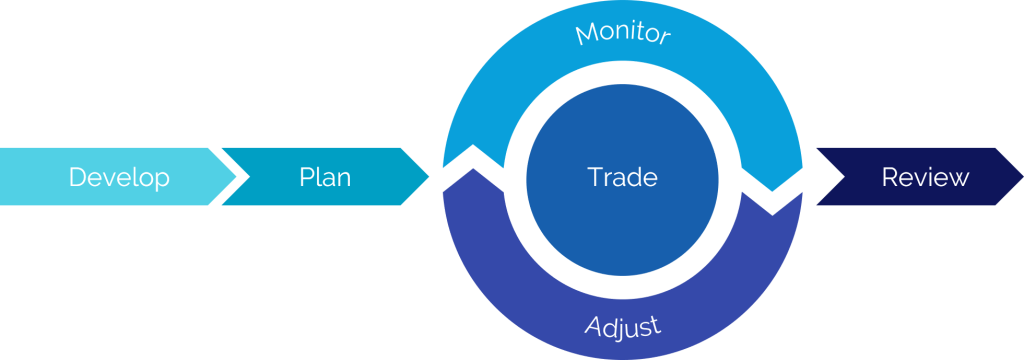
To help with that, we are publishing the investment process patterns we reference internally when building Quantcha. We call this process InvestOps, which is shorthand for investment operations. It’s not guidance on the kinds of investments you should make, but rather a structured approach in how to build and manage an investment plan. While it’s not specific to options investing, it was developed from years of experience building tools for options investors.

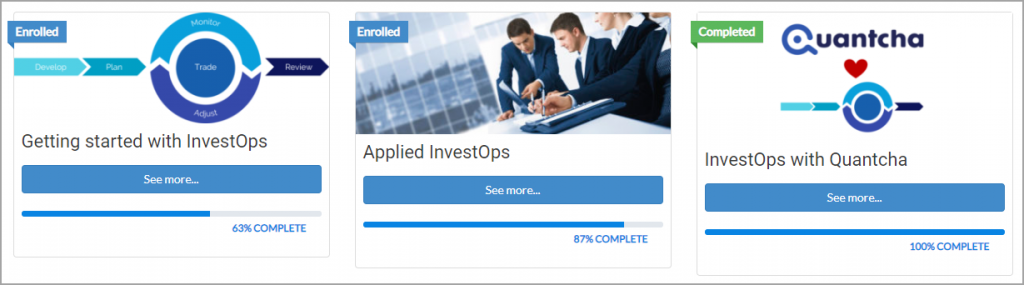
InvestOps courses

We’ve published a series of three Quantcha Learn courses to help you get started:

InvestOps templates

The Getting started with InvestOps course includes some useful templates for managing your process, including:

  • view development worksheet for organizing the research that goes into developing an investment view.
  • A trade plan for outlining trade positions, entry prices, exit conditions, adjustment strategies, and more.
  • A postmortem review for analyzing the results of the investment and process.

These templates are provided as starting points and may be modified and redistributed however you like.

If you have any questions or feedback, please let us know at hello@quantcha.com.

Announcing Quantcha Alerts

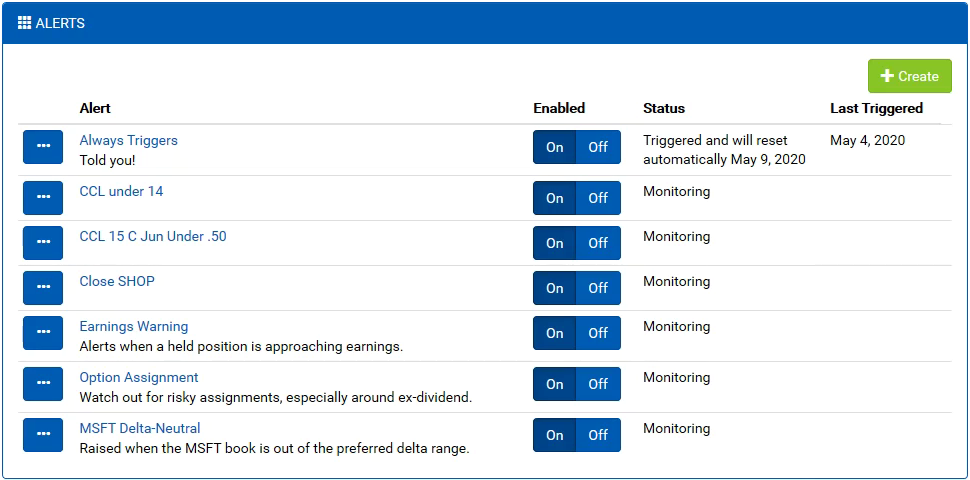
We’re proud to announce the launch of Quantcha Alerts, a new feature designed to deliver proactive notifications to support your options investing. Want to receive an email when a stock crosses a price threshold, a trade reaches a target profit, or a book exceeds a delta range? Quantcha Alerts is for you.

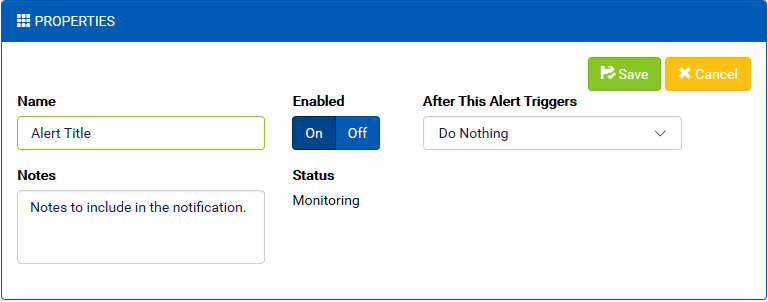
Configuring alert properties

Alerts are configurable. You can combine a variety of alert conditions, which include timeframes, stock and option properties, and portfolio scenarios, such as likely option assignment, to receive alerts when key opportunities and risks arise.

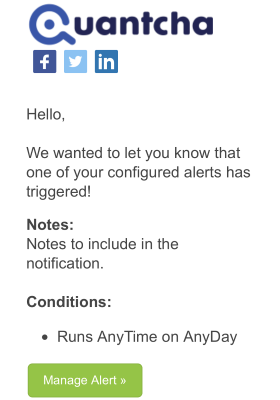
A sample alert notification

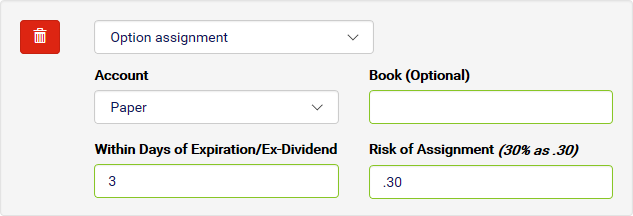
Alerts are customizable. Every condition allows you to specify parameters that fine-tune the type of notifications you receive and when. You can decide how far out to keep an eye on ex-dividend dates, and at what assignment risk you’d like to be alerted for your short calls.

Configuring an Option Assignment condition

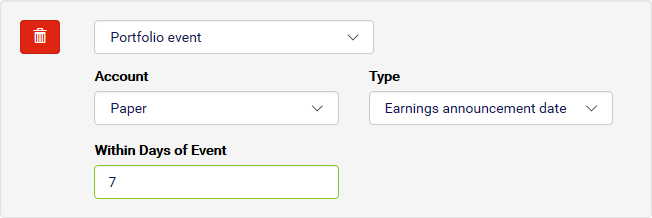
Alerts are integrated. If you link a brokerage account with Quantcha, you can configure alerts that watch your portfolio for important conditions, such as approaching earnings dates or opportunities to close positions at a desired price.

Configuring a Portfolio Event condition

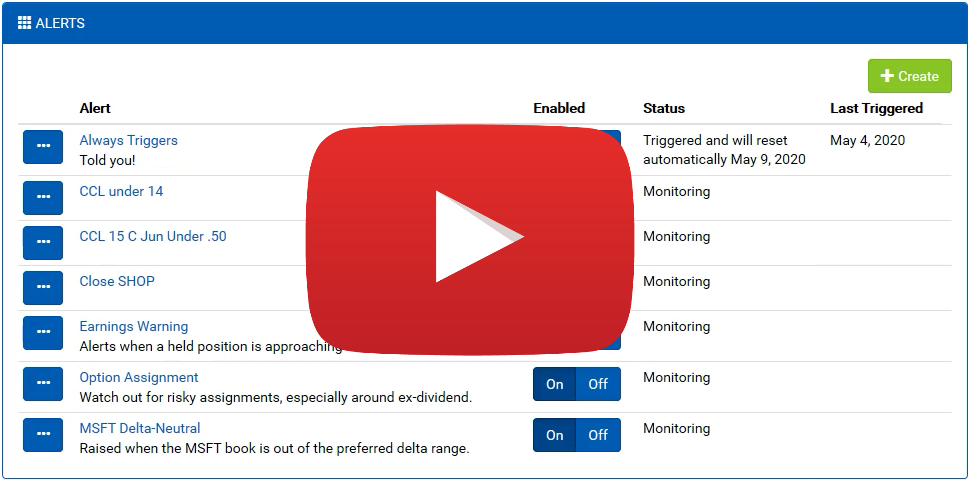
To learn more about the details of using Alerts, check out this article and this video on YouTube.

Quantcha Alerts Introduction on YouTube

We’re planning to keep adding new conditions to the Alerts toolbox. If you have any requests, please reach out at hello@quantcha.com.

Limited Offer: First Month Free with a Linked TD Ameritrade Account

Are you a TD Ameritrade customer who wants to see how Quantcha can help take your options investing to the next level? For a limited time, you can test drive the platform absolutely free for your first month.

  1. Subscribe to Quantcha Personal. This process requires a PayPal account, which you can create for free as part of the process (we explain why here if you’re interested).
  2. Link your TD Ameritrade account here. This will involve you logging in to your brokerage account on their site and authorizing them to issue a token we can use to request data for use in Quantcha. You can easily remove this link at any time here. A demo of both linking and unlinking is available here.
  3. Email us here and include the email address of your PayPal account. We will verify the TDA link and refund your initial payment. However, it’s important to note that you will be billed for future months for as long as you remain subscribed. You can cancel your subscription at any time.

This whole process should only take a few minutes, but if you have any questions about any of it, please let us know at hello@quantcha.com.

This offer is only valid in September 2019, so don’t wait.
Announcing Quantcha’s Integration with TD Ameritrade

We’re proud to announce that we have launched our integration with TD Ameritrade. This enables TD Ameritrade brokerage customers to manage their account positions and orders directly from Quantcha. In addition, linked brokerage customers enjoy real-time quotes throughout the platform. Create and link your account today.

Managing a TD Ameritrade Options Book
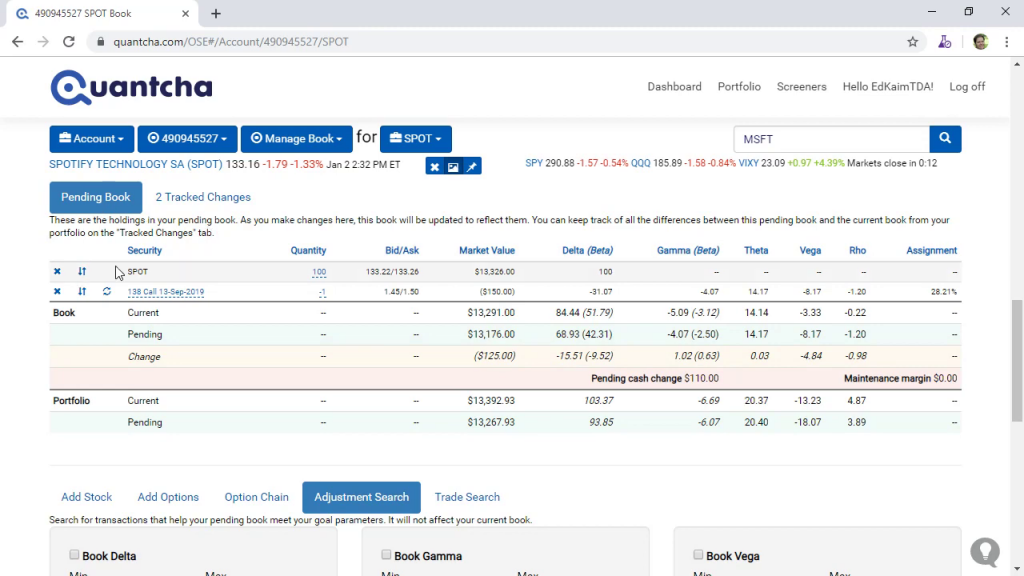
Managing a TD Ameritrade Options Book in Quantcha

The Quantcha Options Suite complements TD Ameritrade’s existing options platform with sophisticated options book management, detailed trade reporting, and a wide variety of trade discovery and analysis tools. To learn more about how Quantcha can complement TD Ameritrade’s existing option trading experience, check out our overview video on YouTube.

Linking a TD Ameritrade Brokerage Account in Quantcha

Create and link your account today.

Announcing New & Updated Trade Screeners

We’re proud to announce the launch of six new global trade screeners, as well as a variety of updated features that enable investors to find more efficient ways to play their market views.

Forward Conversion Trade Analysis

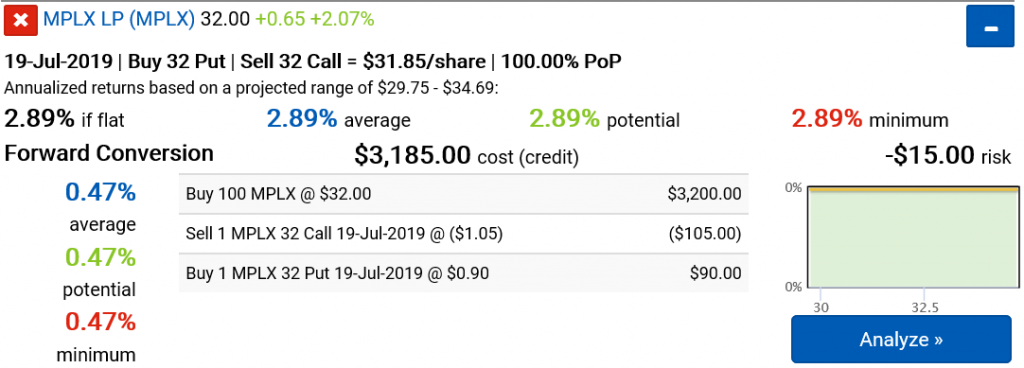
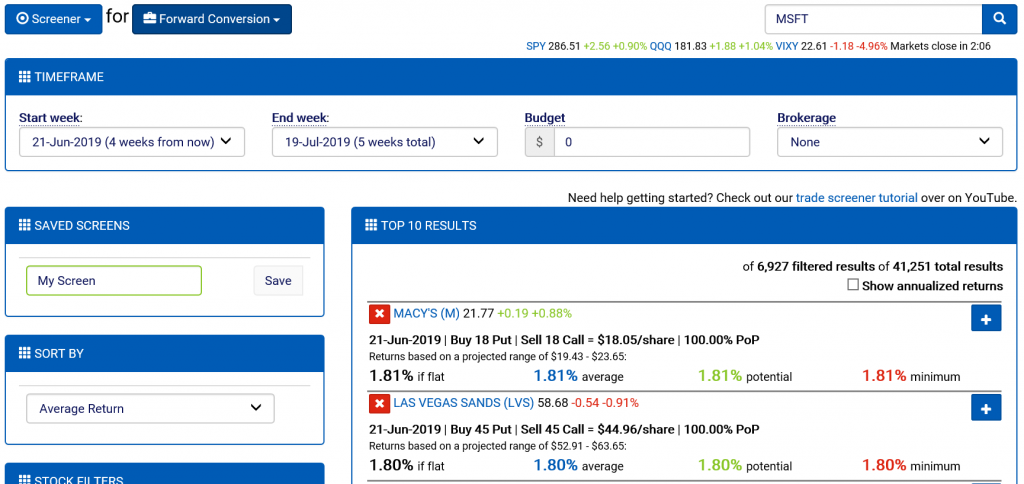
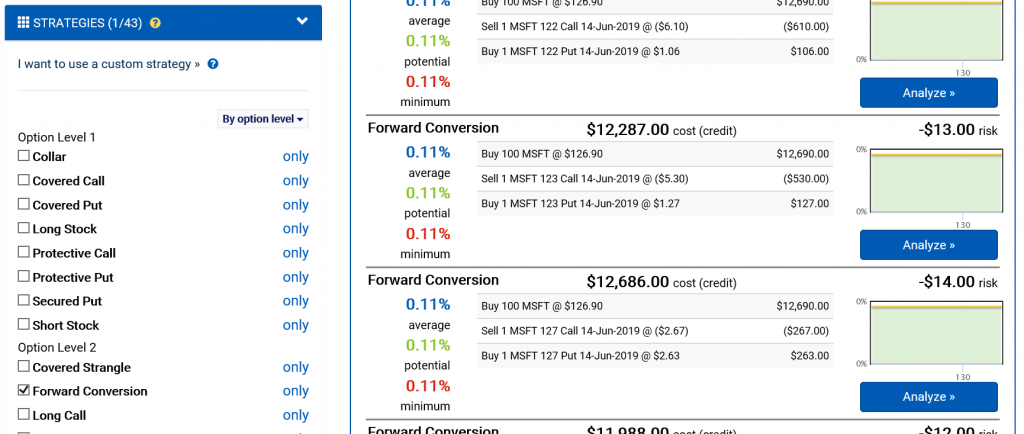
Among our new trade screeners are two focusing on finding conversion arbitrage opportunities. The Forward Conversion screener pairs long stock positions with synthetic short stock positions created using options. The net result is a delta-gamma-neutral strategy with a defined return. You can learn more about our arbitrage discovery features here.

Forward Conversion Screener

There is also a Reverse Conversion screener, which is the inverse of the forward conversion strategy. These two strategies have also been added to the option search engine so that you can easily zero in on opportunities for specific stocks and expirations.

Arbitrage Filtering in the Option Search

Trade screeners for common credit and debit spreads for calls and puts have also been added. Check out the new screeners for Bull Call Spreads, Bear Call Spreads, Bull Put Spreads, and Bear Put Spreads. All screeners rely on the same user interface framework, so experience with one makes you an expert on using the stock screener or any of the nineteen trade screeners. You can learn more about using our screeners here.

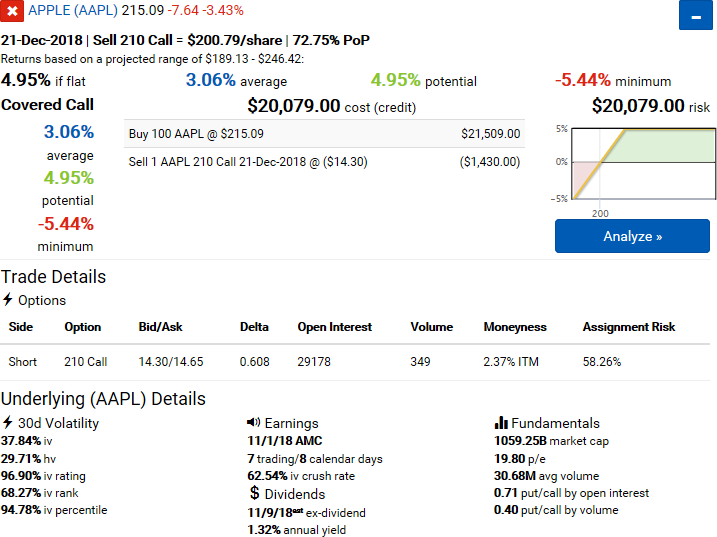
Covered Call Screener Tutorial on YouTube

These features were largely driven by community demand and requests provided via our UserVoice and feedback email. If you have ideas you’d like to see us implement, please let us know.

Announcing the 2019 Quantcha Challenge

We’re proud to announce the launch of the 2019 Quantcha Challenge!

It’s a new year and we want to provide some really fresh, really practical content to how investors how they can use Quantcha to build and manage their options portfolios. So we’re going to take a real account—with real money—and trade it live on YouTube.

2019 Quantcha Challenge Kickoff

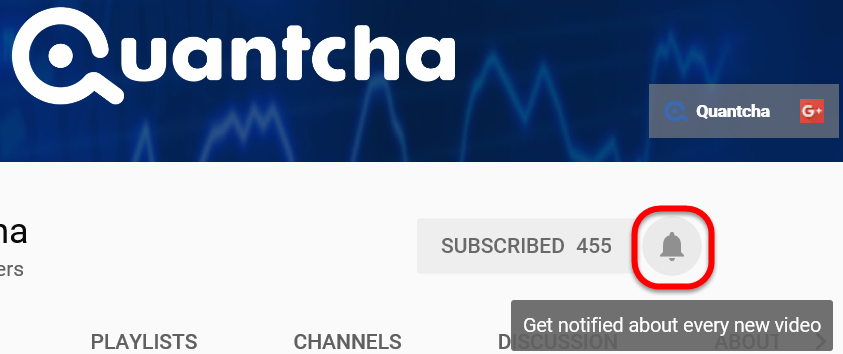
You can follow along live or catch up using the archived videos. Just be sure to subscribe to our channel on YouTube so you can get notified when we go live. The process is really easy.

1 – Visit https://www.youtube.com/Quantcha

2 – Subscribe to the channel

Subscribe to the Quantcha YouTube Channel

3 – Turn on notifications

Turn on Quantcha YouTube Channel Notifications

We’re going to trade the account using a variety of strategies and hedging techniques. We’ll also use this time to answer community questions. Our primary goal is to illustrate the usage of our tools, so if you have questions or ideas, please let us know.

Announcing Quantcha’s New Option Trade Tracking & Reporting

We’re proud to announce that we’ve recently deployed a set of great new features for tracking and reporting performance on option trades.

Trade History Filtering

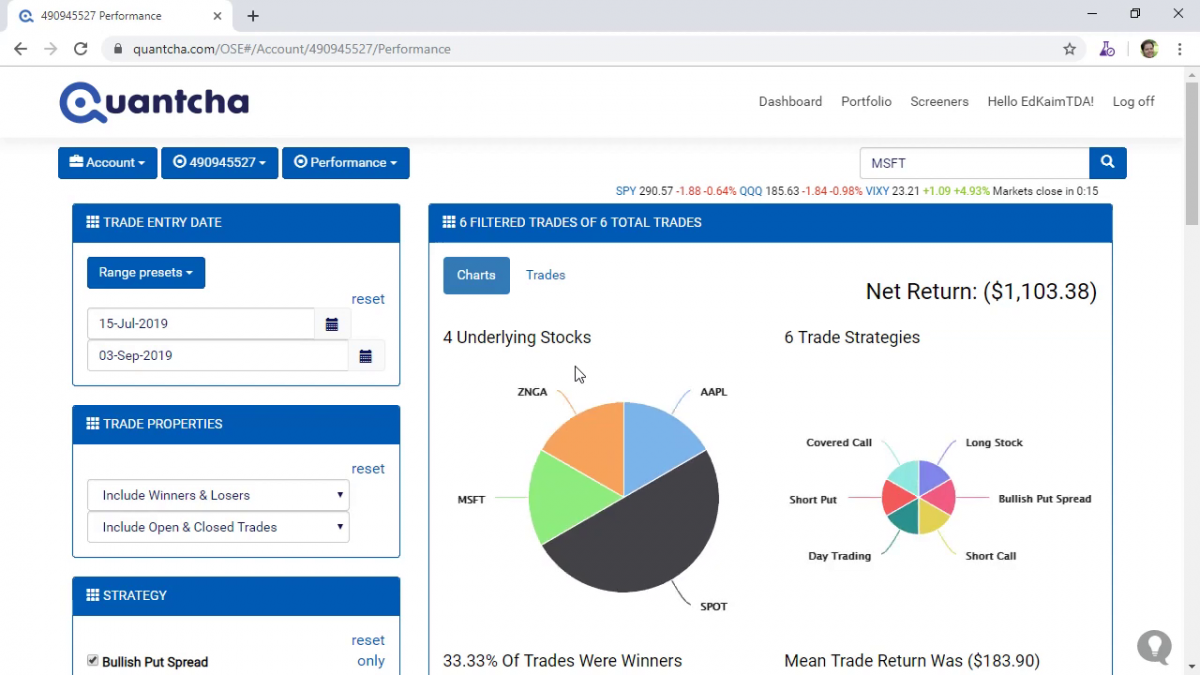
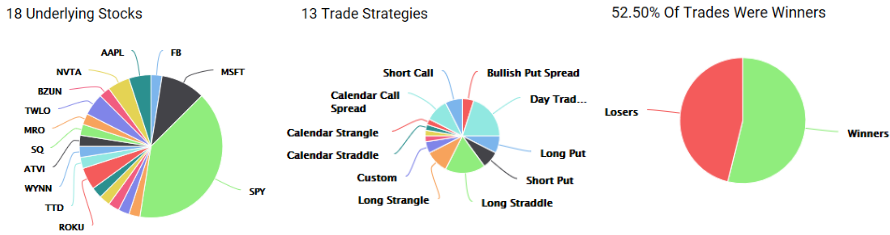
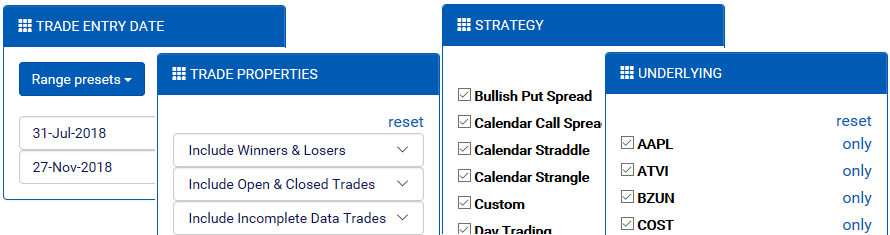
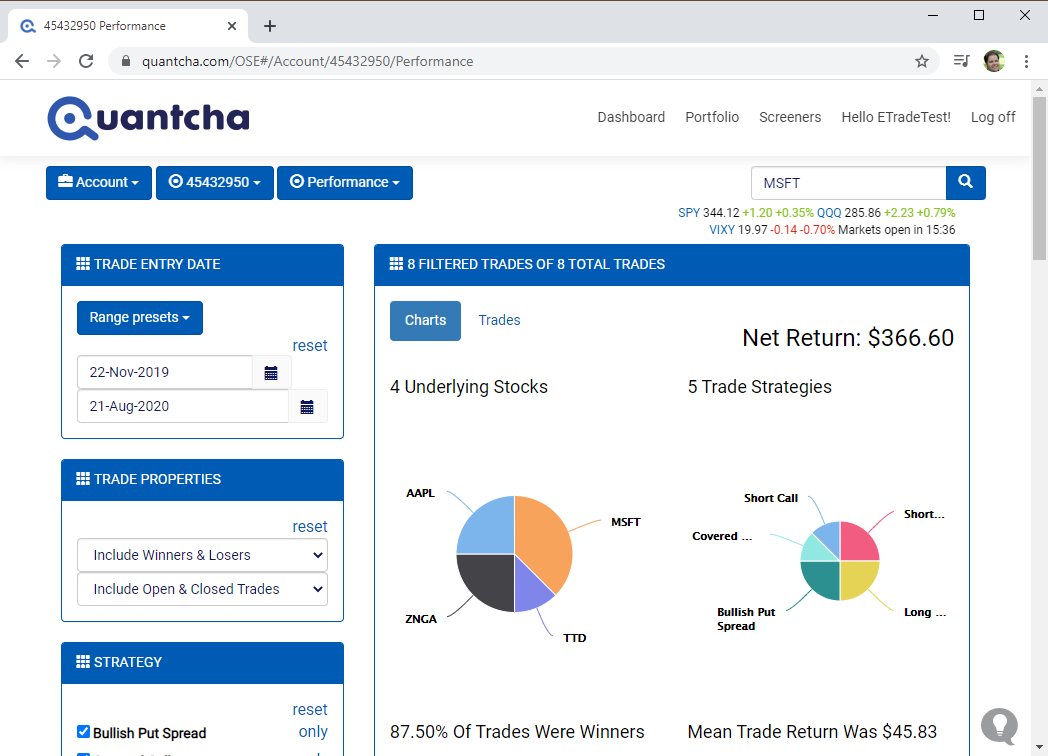
These features enable you to analyze your trading performance over time, as well as to filter down to specific underlyings and trade strategies to identify where your biggest winners and losers happen.

Trade History
Trade History

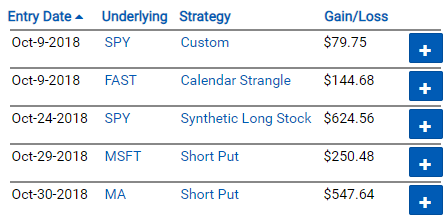
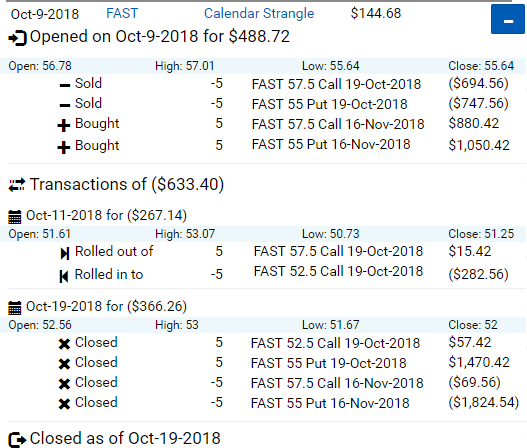
The trade history is built from the transaction history imported from your linked brokerage account. Strategies are inferred and tracked through opens, rolls, expirations, and closes.

Reviewing Transaction History for a Trade

To learn more about how you can use these features to learn more about your options trading history, check out this article. You can also check out our video on YouTube:

Option Trade Tracking & Reporting Video on YouTube

We will continue to invest in expanding our performance tracking and reporting, and always welcome your feedback. If you have ideas, please let us know.